

What Is the Best Age Verification App for Shopify? A 2025 Guide for US Sellers
If you sell regulated products online, compliance is your biggest operational risk. With strict FDA regulations on vaping and state-level restrictions on adult content, a simple “I am 18” popup is often legally insufficient.
For US merchants, finding what is the best age verification app for Shopify is not just about installing a plugin; it is about protecting your business from fines and shutdowns. This guide breaks down legal requirements by product type and recommends the right tools to balance compliance with conversion rates.
The Core Distinction: Age Gate vs. Identity Verification
To choose the right app, you must understand the difference between the two main types of verification technology.
- The “Soft Gate” (Age Gate): A popup window that asks visitors to self-attest their age (e.g., clicking “Yes” or entering a birthdate). This provides a basic layer of liability protection but does not prove the user’s real identity.
- The “Hard Gate” (Identity Verification): A background process during checkout. It cross-references the customer’s name and address against government databases (like voter rolls). If the data does not match, it requires an ID upload. This is legally required for high-risk products.
Product Risk Tiers: What Features Do You Actually Need?
Different products require different levels of compliance. Identify your “Risk Tier” to determine your UI and data requirements.
Tier 1: Strict Liability (Vape, Tobacco, Nicotine)
- Products: E-liquids, disposables, Zyn pouches.
- Requirement: Third-Party Database Verification.
- UI/UX: You need an app that runs invisibly at checkout. If the background check fails, it must block the order and force an ID upload.
- Data: Name, Address, DOB, and often the last 4 digits of the SSN (for FDA/PACT Act compliance).
Tier 2: High Risk (Alcohol, CBD, Delta-8)
- Products: Wine, spirits, hemp-derived cannabinoids.
- Requirement: Robust age verification plus “Adult Signature Required” at delivery.
- UI/UX: A mandatory age gate upon entry (entering birth year) plus a database check at checkout.
- Data: Name, Address, DOB. Many high-risk payment gateways mandate this integration.
Tier 3: Content & Privacy (Adult Content)
- Products: Digital adult content, restricted communities.
- Requirement: New state laws (TX, LA, UT) require verification before accessing content.
- UI/UX: Verification at the landing page level.
- Data: High emphasis on Anonymity. Solutions using “Zero Knowledge Proof” (verifying age without storing personal data) are preferred.
Tier 4: General Liability (Knives, Tactical Gear)
- Products: Kitchen knives, airsoft guns, mature art.
- Requirement: General commercial liability or local offensive weapons acts.
- UI/UX: A standard popup or a checkout checkbox (“I certify I am 18+”).
- Data: Self-attestation is usually sufficient. No database check needed.
How to Choose the Right App: A Strategic Framework
Do not overpay for features you don’t need. Use this logic to select the right tool.
Scenario A: You Only Need a “Soft Gate” (Tier 4)
If you sell knives or general mature items, you do not need expensive database verification software.
- Check Your Theme: Many Shopify themes include a built-in Age Verifier or Popup section. Using this is free and preserves site speed.
- Use Marketing Apps: If you already use email capture apps like Klaviyo or Privy, they often have age-gate templates.
- Choose Free/Low-Cost Apps: If you need a dedicated plugin, look for simple options like Hulk Age Verification or NA Age Verification.
Scenario B: You Need a “Hard Gate” (Tier 1 & 2)
If you sell vapes or alcohol, you must pay for database checks. Validate these four factors before subscribing:
- Analyze the Pricing Model:
- Flat Fee: High monthly cost, unlimited checks. Good for high volume.
- Per-Verification Fee: Low monthly cost, but charges ~$0.50 per successful check. Better for lower volume or high-margin items.
- Verify Database Coverage:
- Confirm the app’s match rates for your specific markets. An app might be great in the US but fail in Canada or the UK.
- Check Merchant Feedback:
- Look for reviews mentioning “downtime” or “false positives.” Stability is more critical than aesthetics.
Comprehensive Review: Top 5 Age Verification Apps
Based on the tiers above, here are the top contenders. We have analyzed their pros, cons, and ideal use cases.
1. Age Verification by BlueCheck
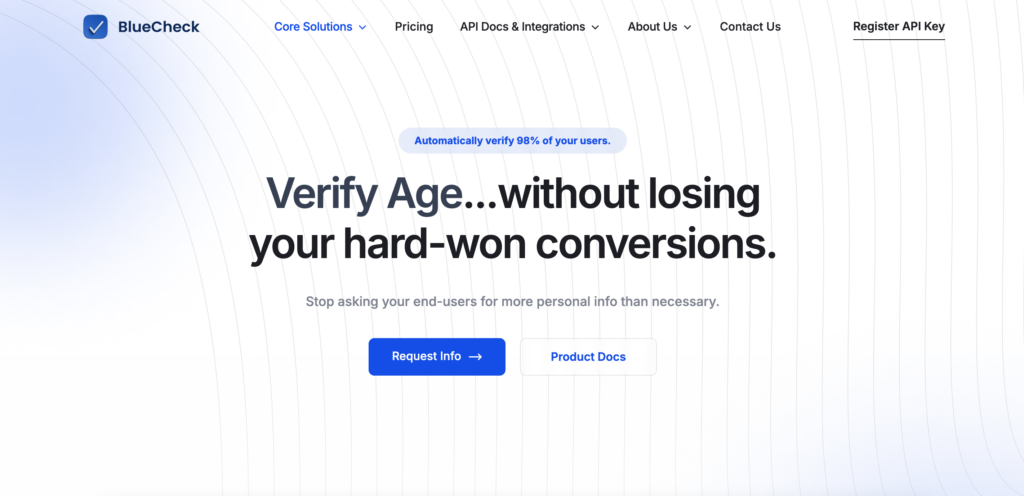
BlukCheck is the industry standard for high-risk compliance.
- Best For: Tier 1 & Tier 2 Sellers (Vape, Tobacco, Alcohol).
- Pros:
- Massive Database: Excellent background match rates (98%), meaning fewer customers have to upload IDs.
- Manual Review Team: They have real humans who review uploaded IDs, so you don’t have to act as the compliance officer.
- Verify After Checkout: Supports verify your customers before or after checkout
- Set Verification Rules: Set age rules and requirements based on location and products
- Solid Tagging: Works perfectly with fulfillment workflows.
- Cons:
- It is on the expensive side.
- Pricing: Monthly fee plus a per-verification fee. For example, their cheapest subscription starts at $25, which includes 25 verifications per month, and $1.25 for any additional verifications.
2. AgeChecker.Net
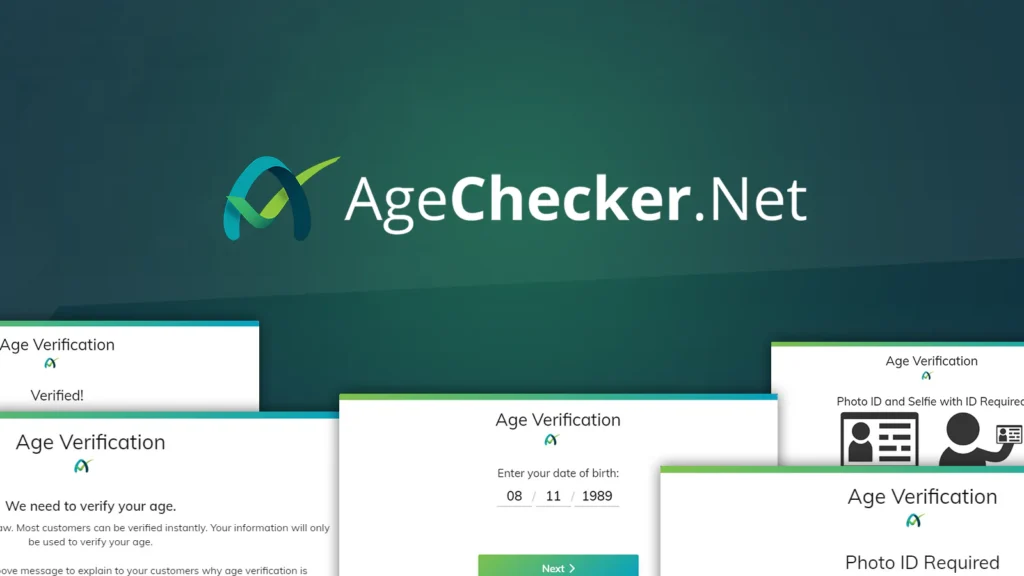
AgeChecker.Net is a direct competitor to BlueCheck and is a favorite among independent Shopify merchants due to its fair pricing model.
- Best For: Tier 1 & Tier 2 Sellers who want to save on costs without sacrificing compliance.
- Pros:
- Pay Per Success: You typically only pay for approved verifications. If a customer fails or drops off, you aren’t charged.
- Selfie Verification: offers a high-security mode requiring a selfie with the ID (great for fraud prevention).
- Verify After Checkout: Supports verify your customers before or after checkout
- Set Verification Rules: Set age rules and requirements based on location and products
- Cons:
- Customization of the popup window is somewhat limited compared to design-focused apps.
- Pricing: Base fee (~$25/mo) + ~$0.50 per successful verification.
3. Real ID
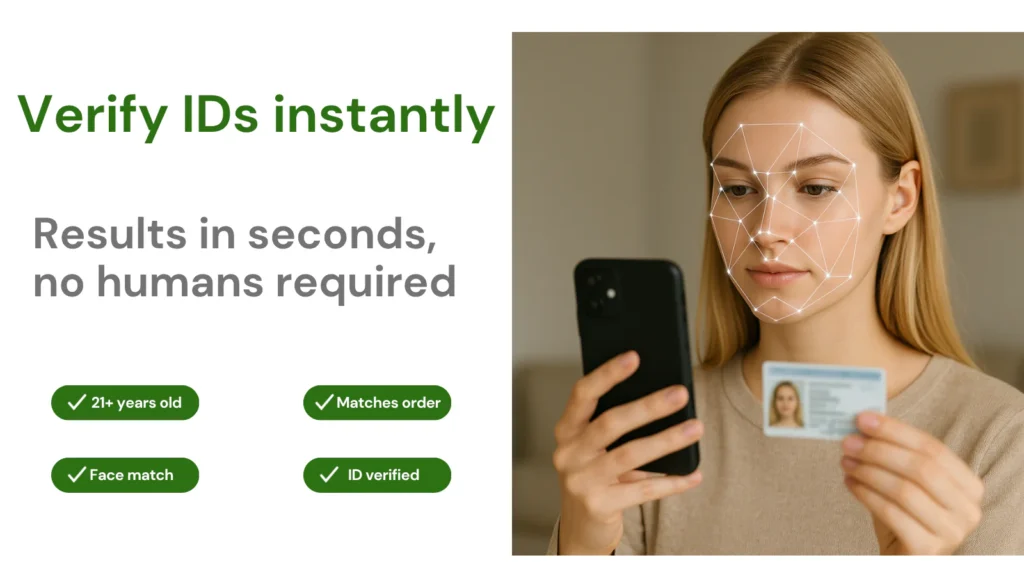
Real ID focuses heavily on the technology of scanning the document itself. It uses AI to detect fake IDs, making it a great tool for fraud prevention as well as age checks.
- Best For: Tier 2 & Tier 3 Sellers (Alcohol, high-ticket items susceptible to chargebacks).
- Pros:
- Automation: Uses AI to instantly verify IDs without waiting for a human review.
- Fraud Prevention: Trigger ID verification automatically on certain products or high risk orders.
- Verify After Checkout: Supports verify your customers before or after checkout
- “Once and Done”: Remembers repeat customers so they don’t have to scan their ID twice.
- Cons:
- Background database checking might not be as extensive as BlueCheck for “invisible” verification.
- Too expensive for small business.
- Pricing: Plans start at $99.99/mo, and $1.49 per A.I. powered ID check
4. Token of Trust
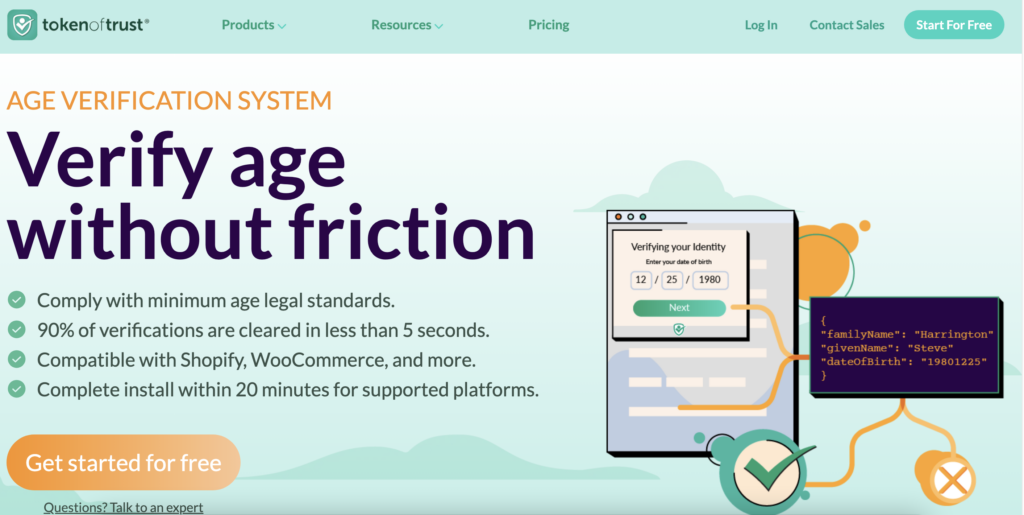
If you are a US seller but have a significant customer base in Europe or Australia, Token of Trust is a great choice.
- Best For: International Sellers.
- Pros:
- Global Reach: Supports government IDs from over 250 countries/territories.
- Reputation Network: If a user is verified on another Token of Trust site, they can be “fast-tracked” on yours.
- Cheaper Price: Like AgeCheck, it is cheaper compared to BlueCheck
- Cons:
- Setup can be more complex than the plug-and-play apps.
- Pricing: $25 per month + 85¢ per order
5. Hulk Age Verification / NA Age Verification
If you sell kitchen knives, tactical gear, or mature-themed merchandise that isn’t strictly regulated by federal law, you don’t need to pay for database checks.
- Best For: Tier 4 Sellers (General Liability).
- Pros:
- Price: Free plans available or very low cost.
- Geo-Fencing: You can set the popup to only appear for visitors from specific countries or states.
- Page Specific: Block specific collections while leaving the rest of the site open.
- Cons:
- Not legally sufficient for tobacco or strict alcohol laws. It is strictly a “barrier,” not a verification tool.
- Pricing: Free to ~$20/mo for Hulk. NA is cheaper, the highest is $8.95 per month.
Importan Note: Shopify Payments Restrictions
Before setting up your store, be aware that even though Shopify supports selling them, Shopify Payments strictly prohibits many age-regulated categories, including vaporizers, tobacco, pseudo-pharmaceuticals, and adult-oriented content. Using Shopify Payments for these items can lead to immediate account freezes.
For these restricted markets, you must use a third-party processor. Many merchants find that using a direct Stripe account offers more flexibility for specific business models. To understand the fee differences and feature trade-offs, read our detailed comparison of Stripe vs. Shopify Payments to determine the best financial setup for your high-risk inventory.